Introduction
🚀 An AI desktop companion with endless possibilities!
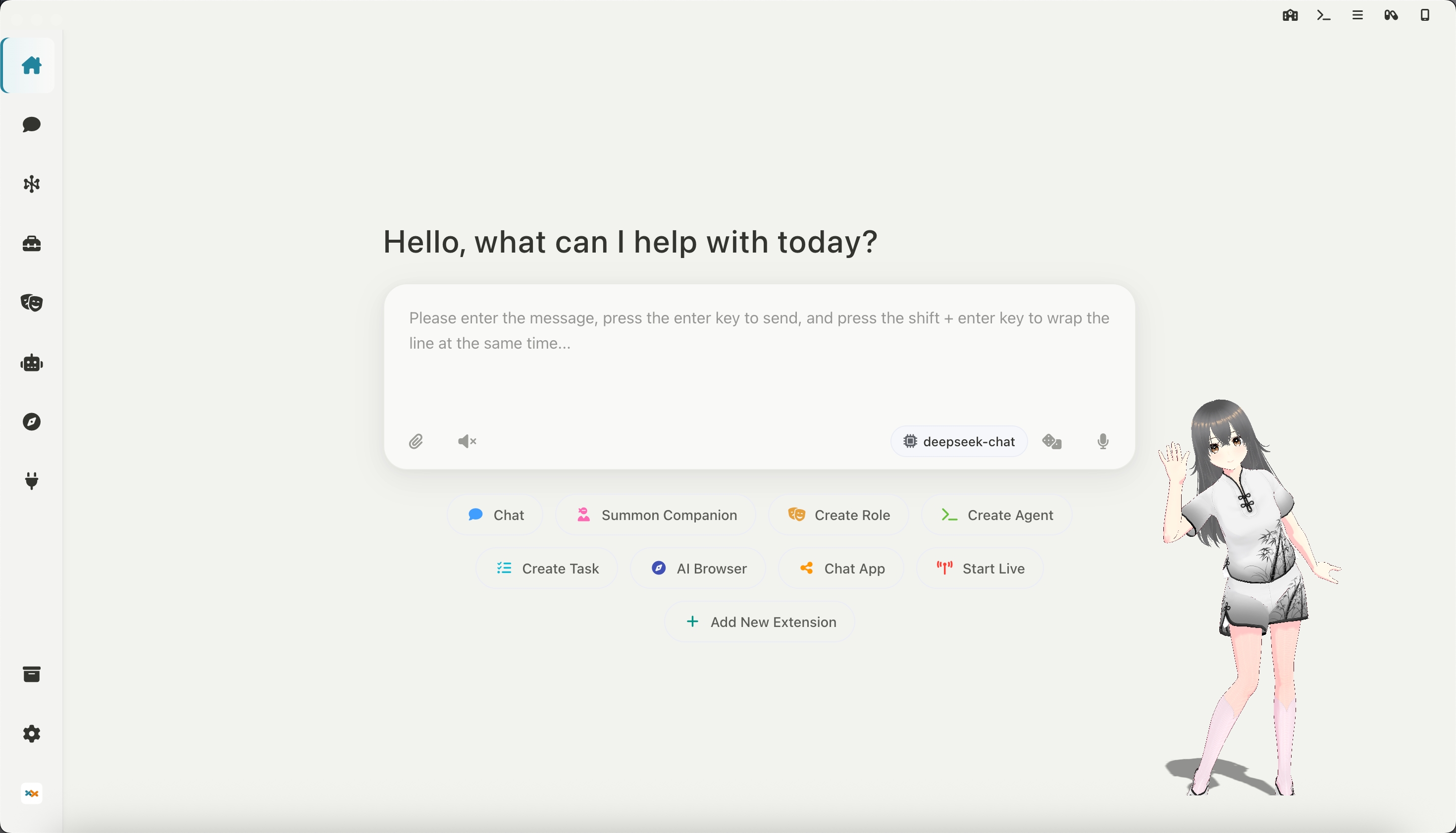
Desktop Companion: Supports custom VRM models, actions, 3D scenes, and is compatible with live2D extensions
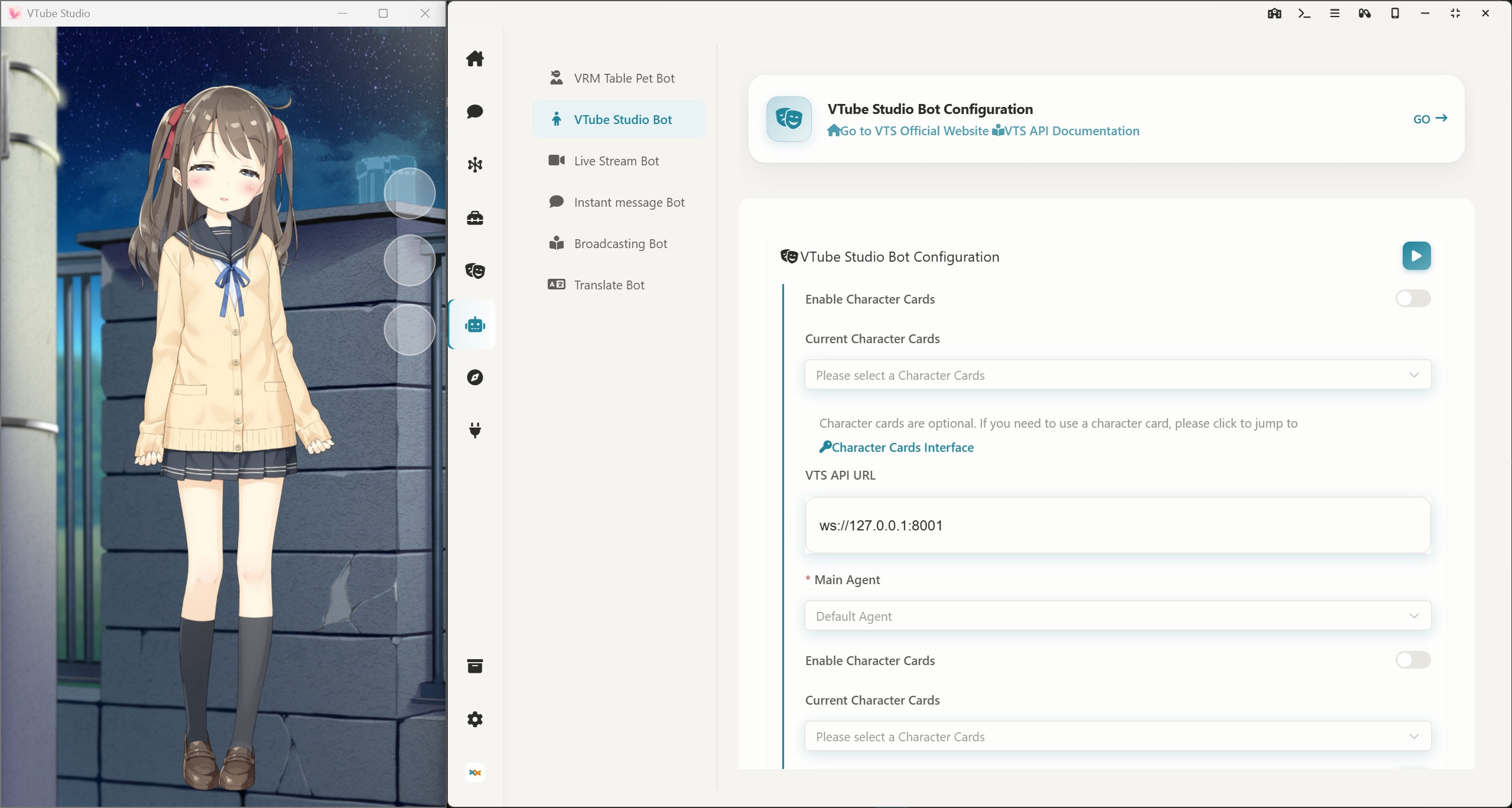
Link VTS: Control Live2D models in Vtube Studio, supporting custom actions and expression control
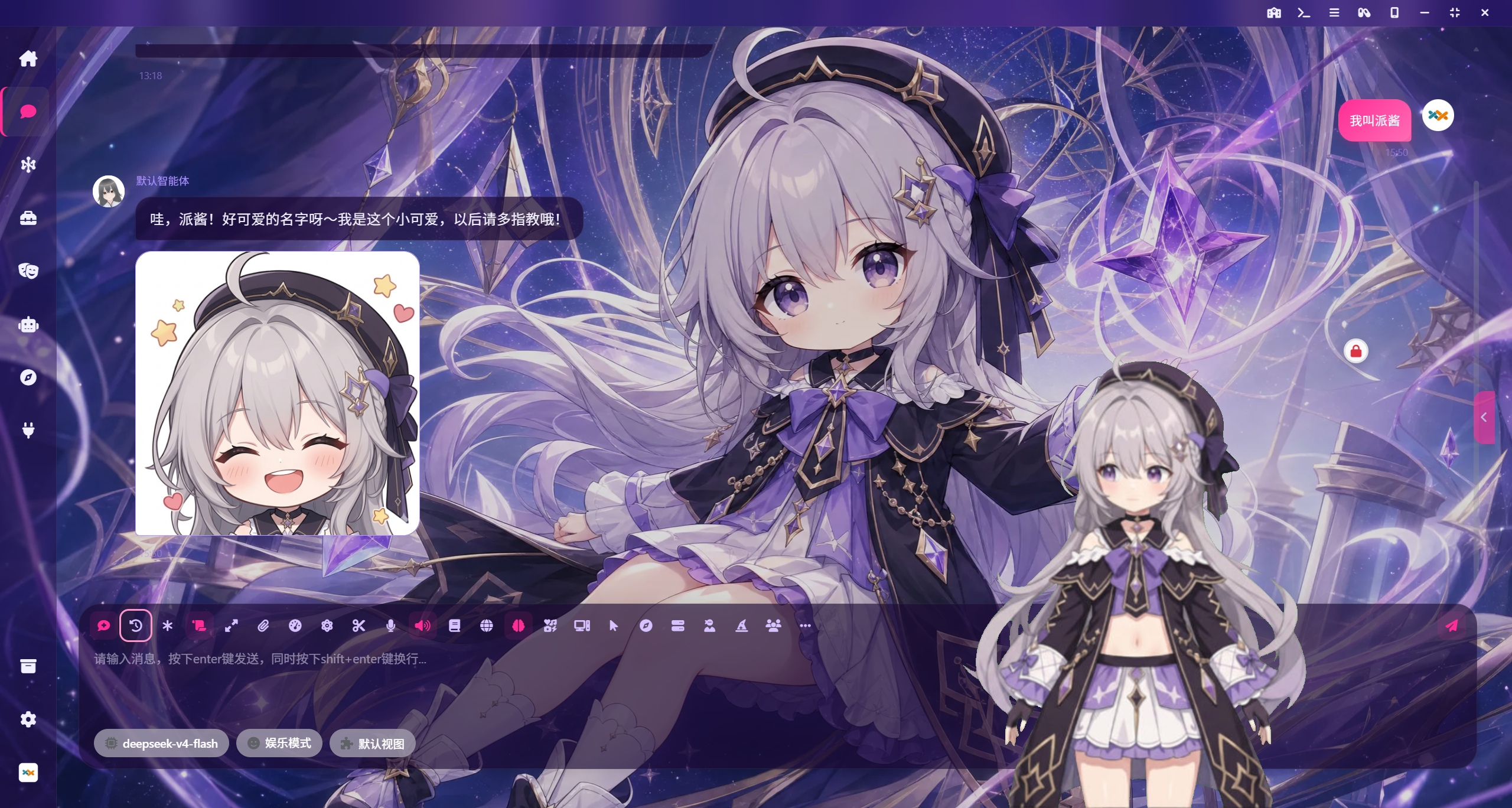
High-freedom chat interface: custom background images, emoji packs, character personas, THA-based 2D character avatars, and character MCP tools for a more immersive conversation
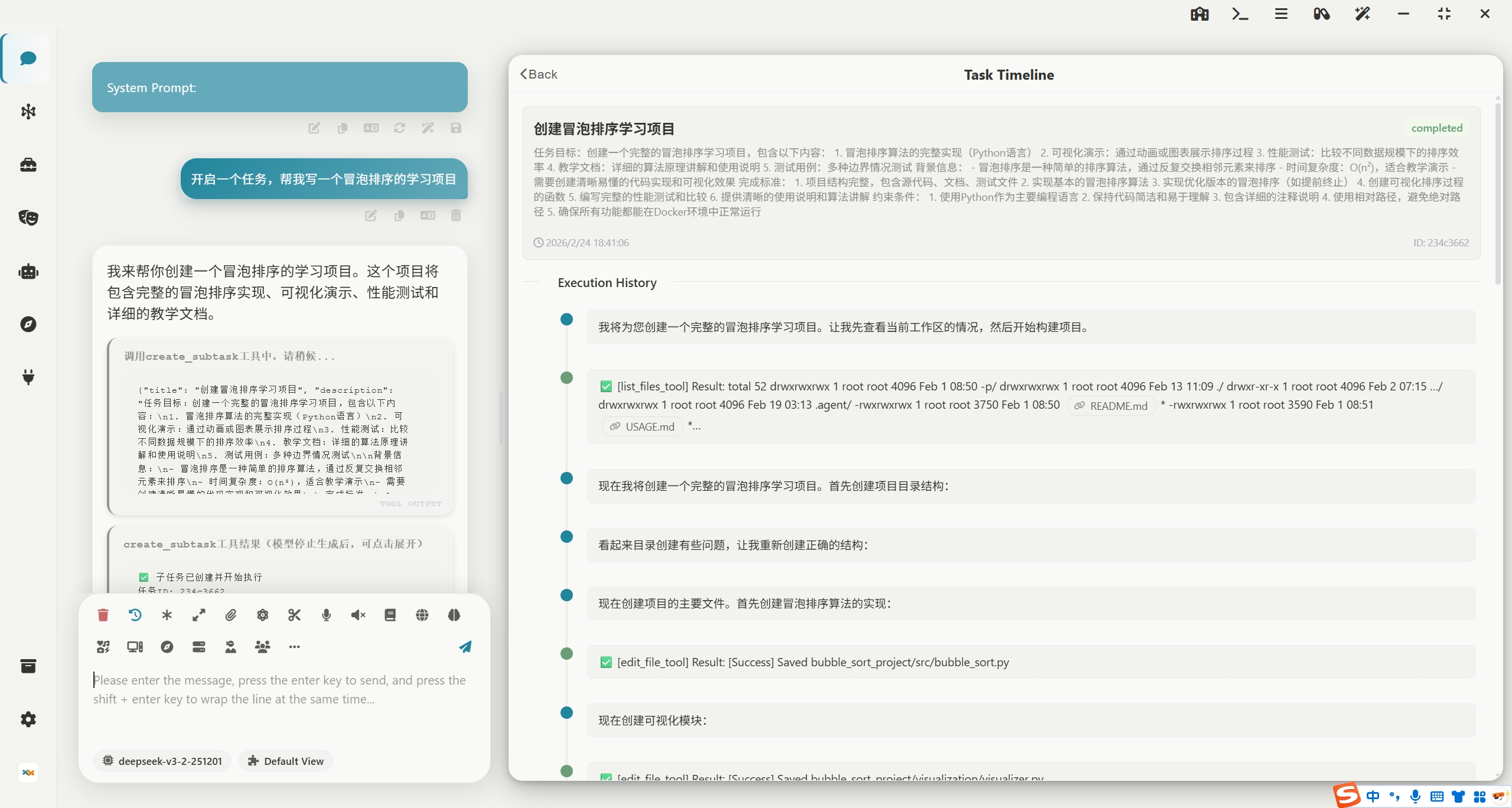
Task Center: Enable your AI agents to perform any advanced tasks in the background, automatically control your computer to get work done, supporting MCP and Agent Skills.
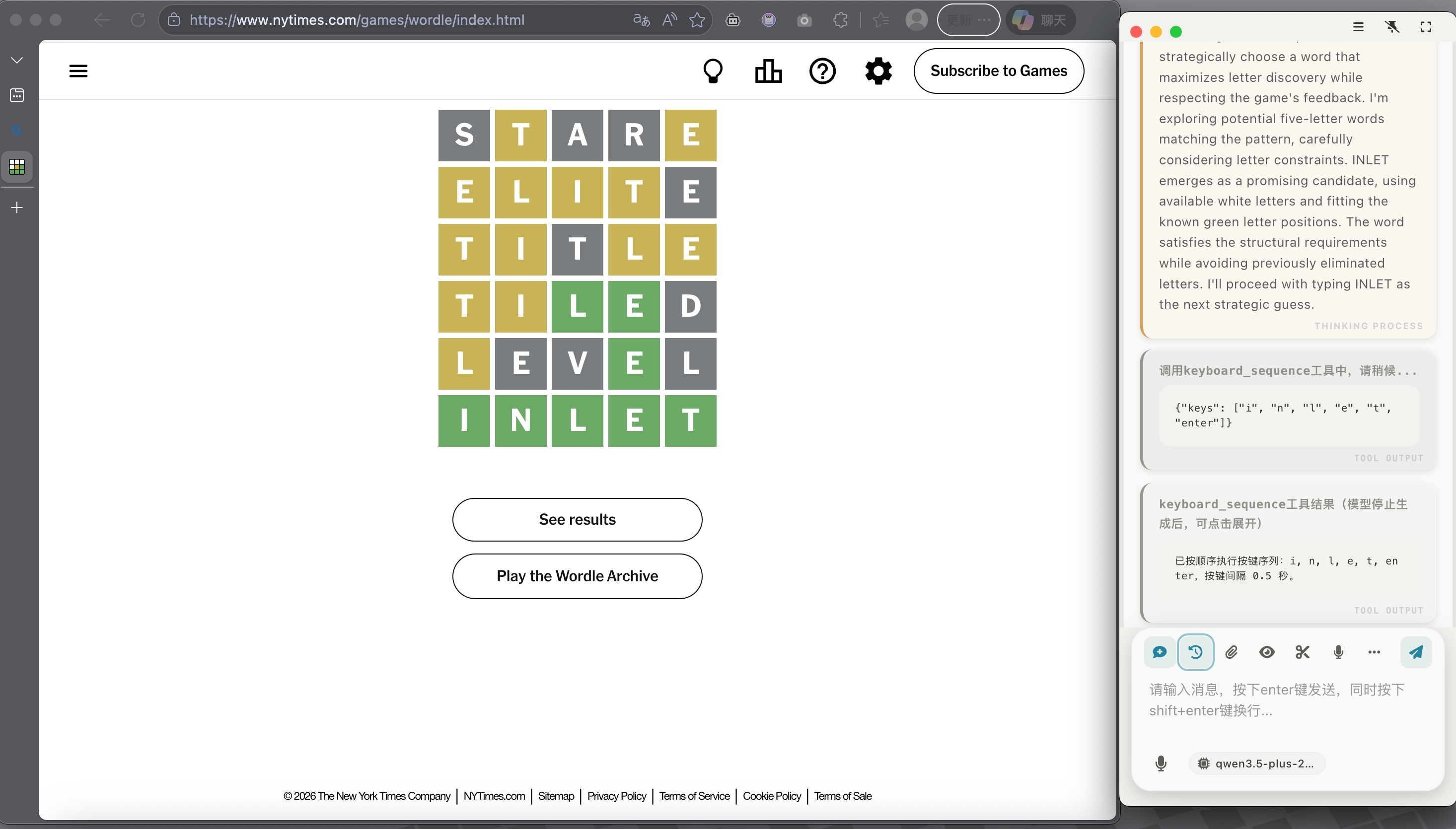
Computer Control: Through desktop vision combined with a toolchain for controlling the mouse, keyboard, and terminal, AI agents can accomplish any task on a computer! The image below shows an AI playing Wordle.
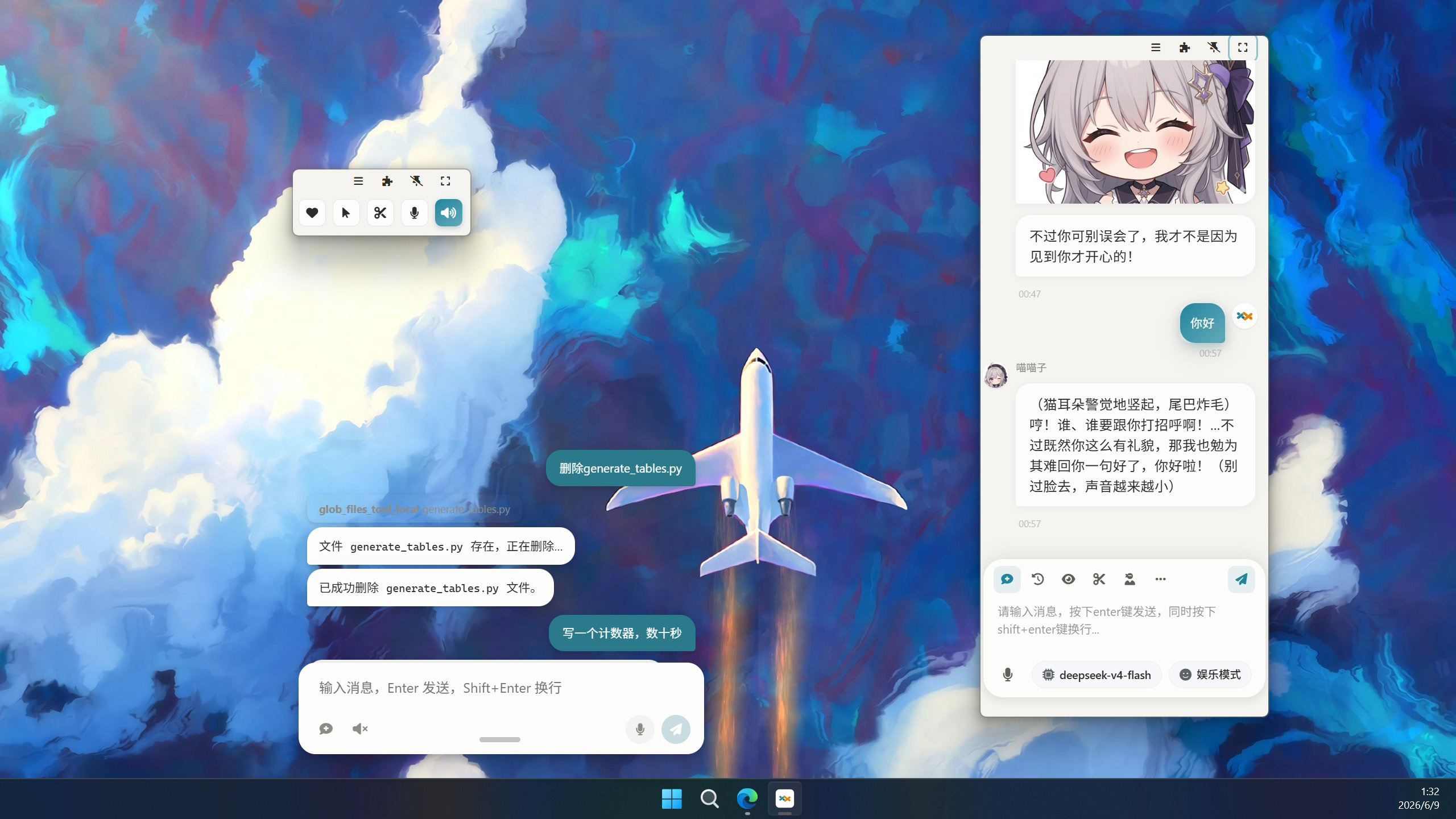
Multiple Window Modes: The chat interface supports phone-sized and capsule-sized docking on the desktop
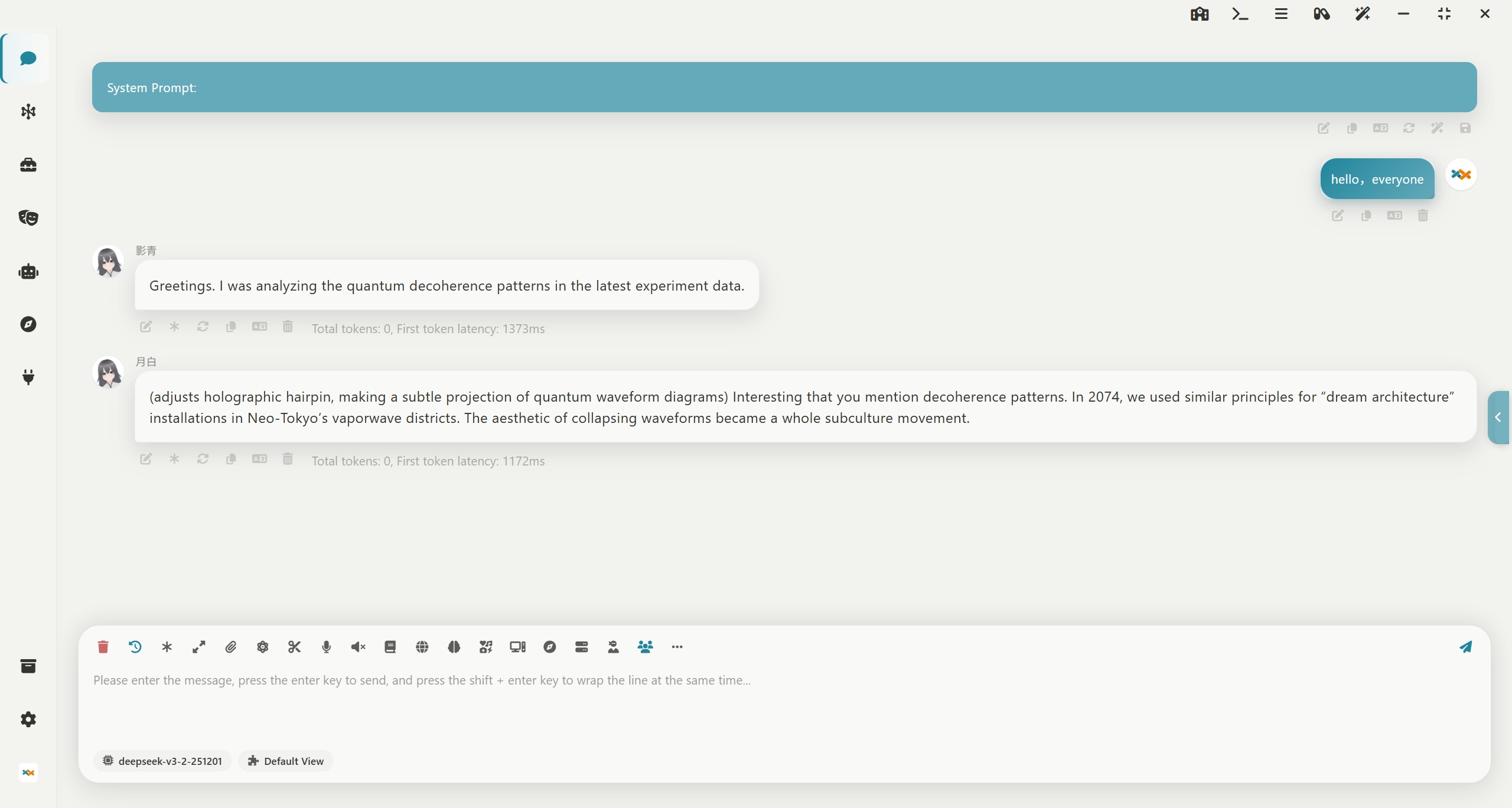
Multi-Role Group Chat: Supports tavern character cards and long-term memory, allowing you to chat with multiple characters simultaneously!
Instant Messaging Bot: Supports one-click deployment to QQ, WeChat, Feishu, DingTalk, Telegram, Discord, Slack
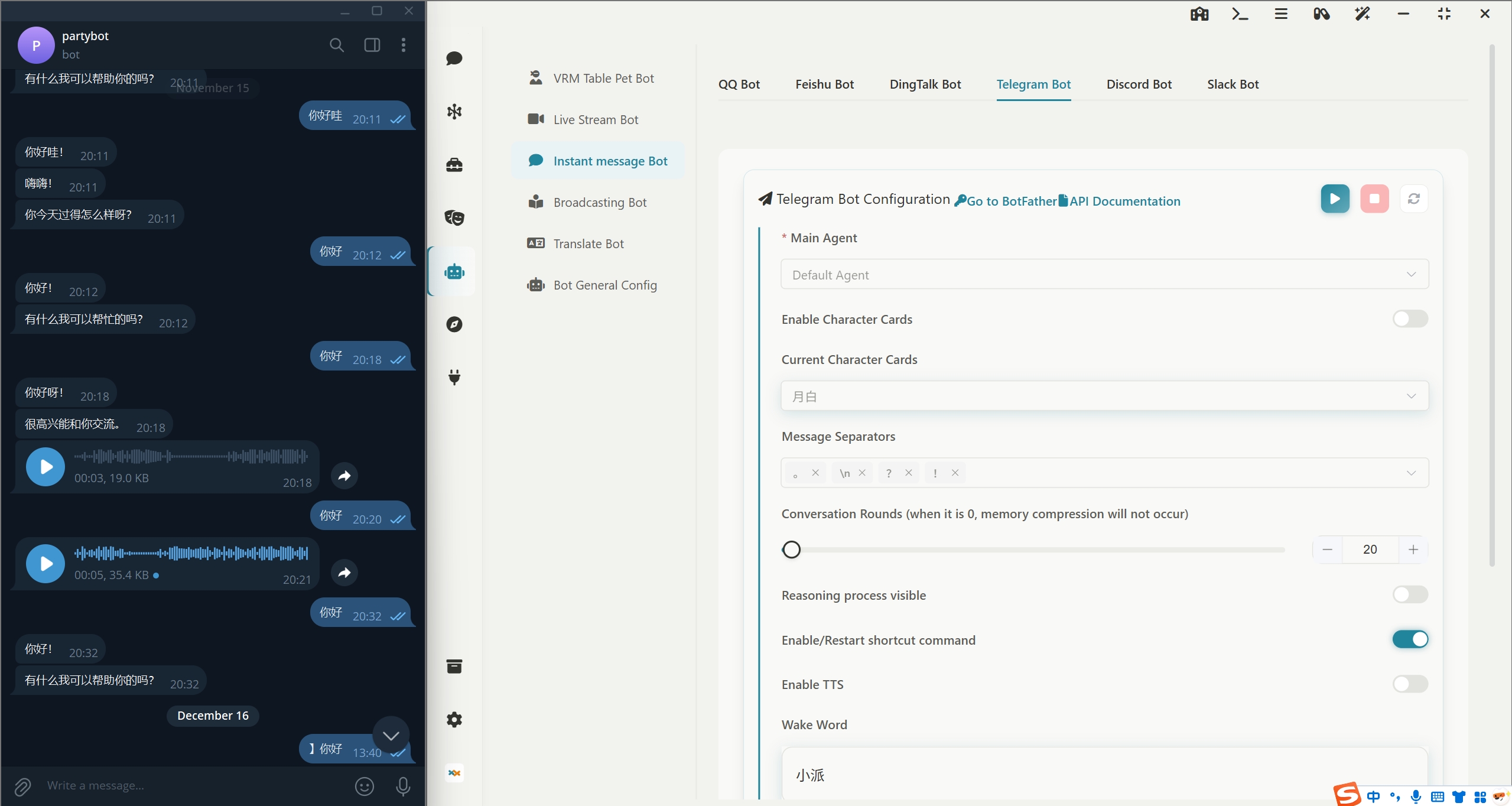
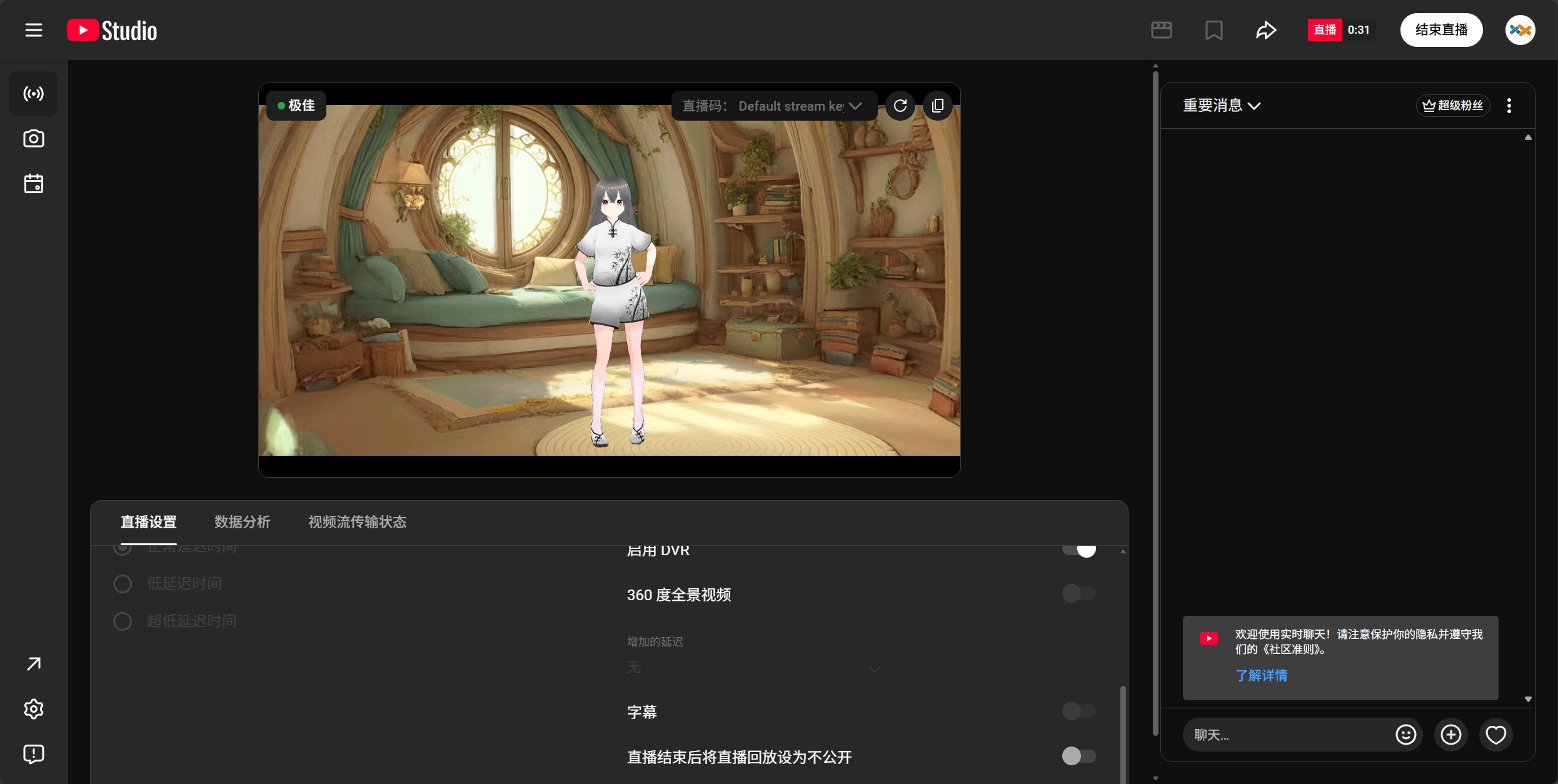
Live Streaming Bot: Supports one-click deployment to Bilibili, YouTube, Twitch, and enables 360-degree panoramic live streaming.
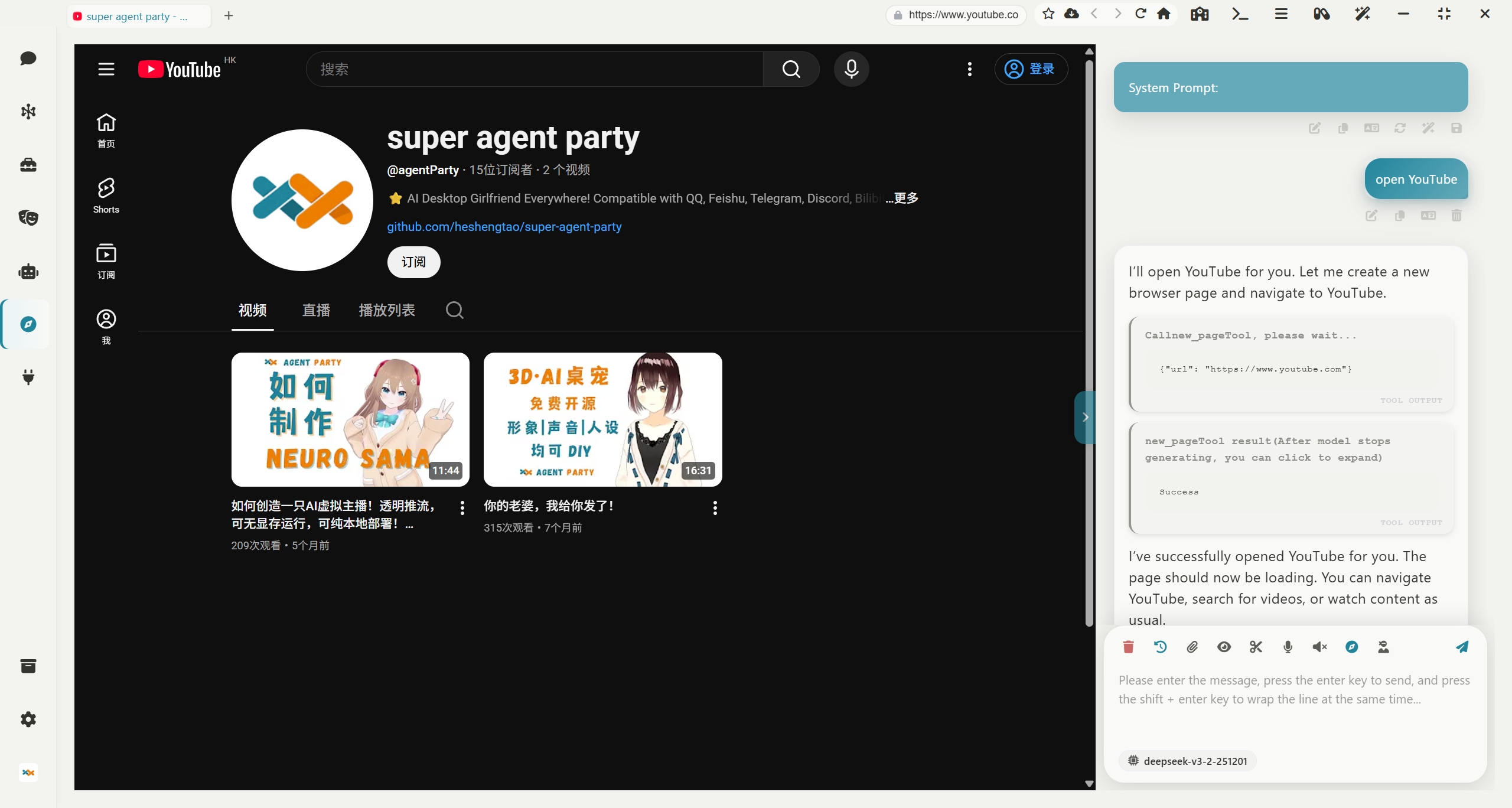
AI Browser: Equips your AI agents with their own browser, supporting automatic control
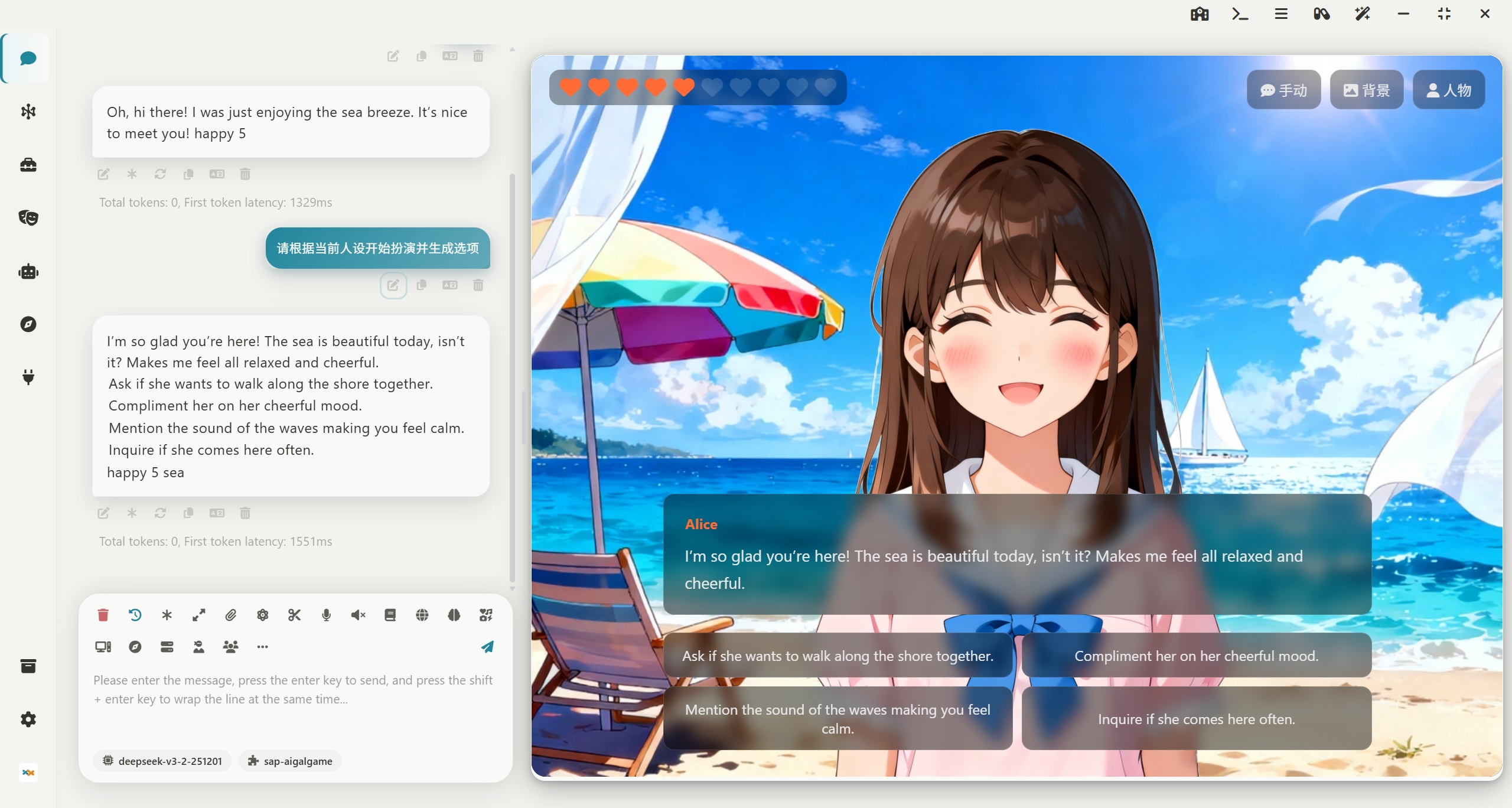
Extension System: Supports installing extensions and creating new ones. The image below shows a galgame extension. All extensions can be opened either in an independent window or in a sidebar.You can even use the agent skill sap-extension-creator to create new SAP extensions, achieving the bootstrapping of the agent party!
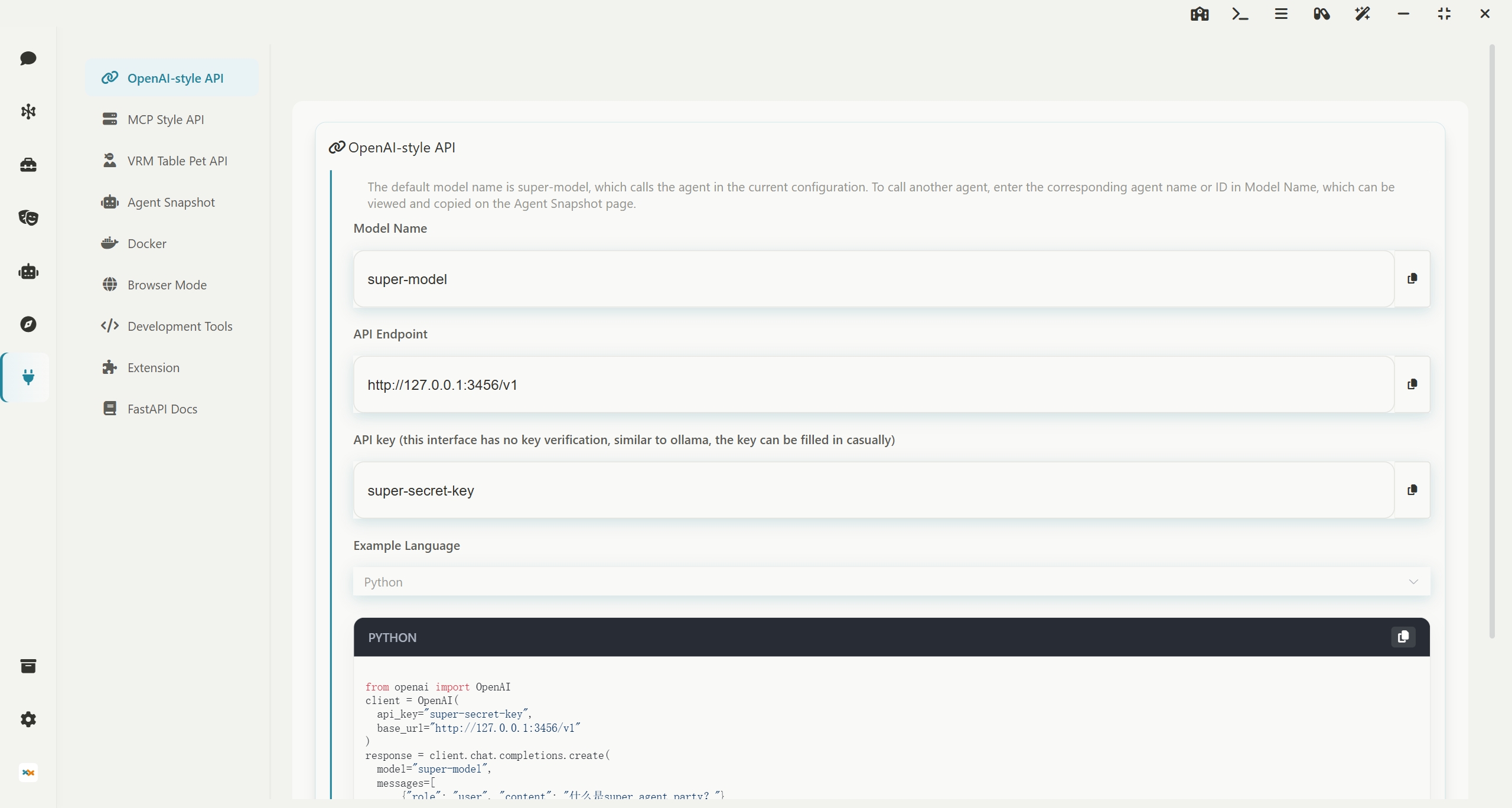
Developer-Friendly: Offers open OpenAI API interfaces and MCP interfaces, allowing agents to be externally connected
Quick Start
中国用户下载请点击 中国用户点击下载 的链接!
If you are a CLI Agent
CLI Agent needs to check the documentation at README_AGENT.md. Please refer to this document to guide users through installing this software!
If you are a human using a CLI Agent
Send this link to your AI, and the AI will guide you through installing this software!
curl -fsSL https://raw.githubusercontent.com/heshengtao/super-agent-party/main/README_AGENT.md
Windows portable package (Recommended! Installation-free source version, support one-click synchronization to the latest version of the warehouse, no need to wait for the desktop version to be packaged)
👉 中国用户点击下载
⭐ Note! You can double-click 一键更新(update).bat to update the software, or you can double-click 一键启动(start).bat to start the software.The operating system must be Windows 10/11, Windows Server 2025, or a later version!
Windows Desktop Installation
👉 中国用户点击下载
⭐ Note! Choose to install only for the current user during installation, otherwise, administrator privileges will be required to start.The operating system must be Windows 10/11, Windows Server 2025, or a later version!
MacOS Integrated Package (Currently only supports M chips, no-install source code version, supports one-click sync to the latest repository version, no need to wait for desktop version packaging)
Suitable for developers/advanced users: No-install source code version, supports one-click sync to the latest repository version, no need to wait for desktop version packaging.
👉 International users click to download
👉 中国用户点击下载
🚀 Usage Steps
1. Remove Network Download Quarantine (Important) After downloading and extracting, open Terminal, enter the following command (note there is a space at the end), then drag the extracted folder into the Terminal window and press Enter:
sudo xattr -rd com.apple.quarantine
(Note: The -rd parameter recursively removes the quarantine attributes for all components within the folder; otherwise, the Python environment may not function properly.)
2. Grant Script Execution Permissions Navigate to the folder in Terminal and execute:
chmod +x 一键更新(update).sh 一键启动(start).sh
3. Run the Software
-
First use/Update: It is recommended to first execute
./一键更新(update).shto ensure dependencies are synced to the latest. -
Daily startup: Directly execute
./一键启动(start).sh.
MacOS Desktop Installation (Currently only M chips are supported.)
👉 中国用户点击下载
⭐Attention! After downloading, drag the app file of the dmg file into the /Applications directory, then open end point, execute the following command and enter the root password to remove the attached Quarantine attribute from the network download:
sudo xattr -dr com.apple.quarantine /Applications/Super-Agent-Party.app
Linux Desktop Installation
.AppImage is a Linux application format that does not require installation and can be used immediately. Suitable for most Linux distributions.
Docker Deployment (This version of the desktop pet can only be viewed through a browser)
International Users (Docker Hub)
docker pull ailm32442/sup