Ally
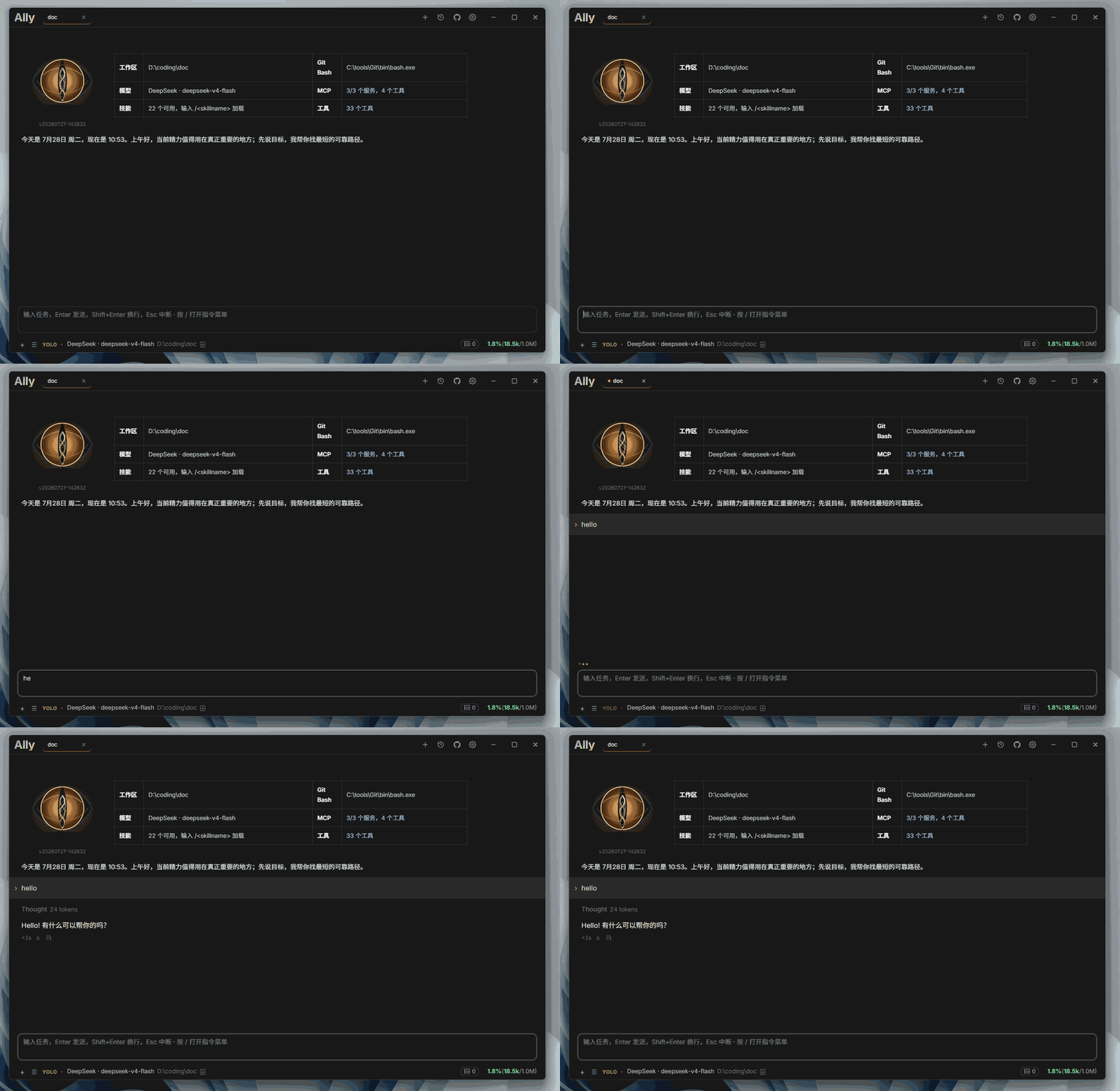
A desktop AI coding assistant that works with your local projects. Ally helps you understand code, edit files, search a workspace, manage tasks, and complete development work through conversation.
⭐ If Ally helps you, please give it a Star on GitHub — it keeps the project going. Thanks!

Download packages for Windows, macOS, and Linux from the Releases page.
Features
- Work with local projects through natural-language conversations, attachments, and persistent sessions
- Read, search, create, edit, and safely delete files with workspace boundaries and optimistic concurrency checks
- Review bounded visual diffs, multi-file edits, command output, and detailed tool failure reasons directly in chat
- Use OpenAI Chat Completions, OpenAI Responses, Anthropic Messages, and compatible model services
- Capture provider reasoning fields or configurable reasoning tags such as
reasoning_content,think, andsink - Configure per-workspace model selection so each project keeps its own model preference
- Tune reasoning depth with configurable thinking strength (reasoningEffort) per model
- Configure multiple API keys with automatic priority failover and cooldown recovery for high availability
- Render sandboxed interactive HTML results in chat for small tools, previews, and widgets
- Delegate substantial work to parallel sub-agents with live steps, tool activity, token usage, and inline final summaries
- Connect MCP servers through stdio, SSE, or Streamable HTTP using either a form editor or raw JSON
- Extend workflows with discoverable Skills and durable cross-project memory; built-in skills include
codegraphandplaywright-cli - Manage multiple workspaces, chat sessions, todos, and process-local scheduled tasks
- Run short shell commands and tracked background processes with a task-center log viewer; Windows automatically discovers Git Bash and falls back to PowerShell when necessary
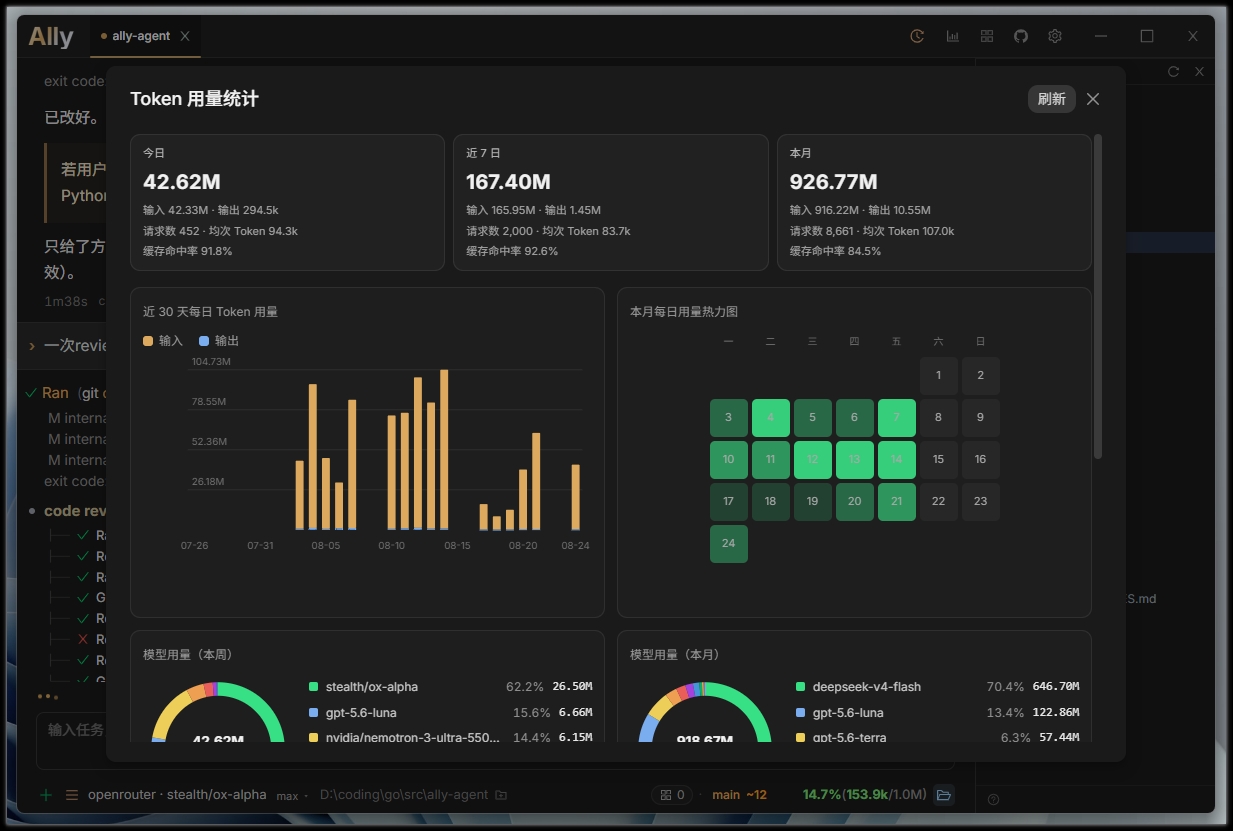
- Visualize token usage trends with an asynchronous token statistics dashboard
- Personalize the chat with a custom background image and adjustable opacity
- Auto-update on Windows and macOS (DMG replace flow), with staged directory rollback on failure
- Optionally follow the Windows system proxy or use a manual HTTP/HTTPS/SOCKS5 proxy consistently across models, HTTP tools, MCP, commands, and background services
- Use localized Chinese or English UI, startup warnings, settings, and tool status messages
- Search code with bundled ripgrep—no separate installation required in release packages
Getting started
- Download the package for your platform from GitHub Releases.
- Start Ally and select a project directory.
- Open Settings and configure your model provider, model, API URL, and API key.
- Start chatting about your project.
Local build
wails3 build
The binary is written to bin/. Development mode with hot reload: wails3 dev.
License
Copyright (C) 2026 Bronya0.
Ally is free software licensed under the GNU General Public License v3.0 only (GPL-3.0-only). You may use, study, modify, and redistribute it under those terms. Distributions of Ally or modified versions must provide the corresponding source code and retain the GPLv3 license notices.
Release packages include ripgrep under its own MIT/Unlicense terms. Other third-party resources retain their respective licenses; see THIRD_PARTY_NOTICES.md.